
1️⃣ Enable Display Errors using MultiPHP INI Editor (cPanel)
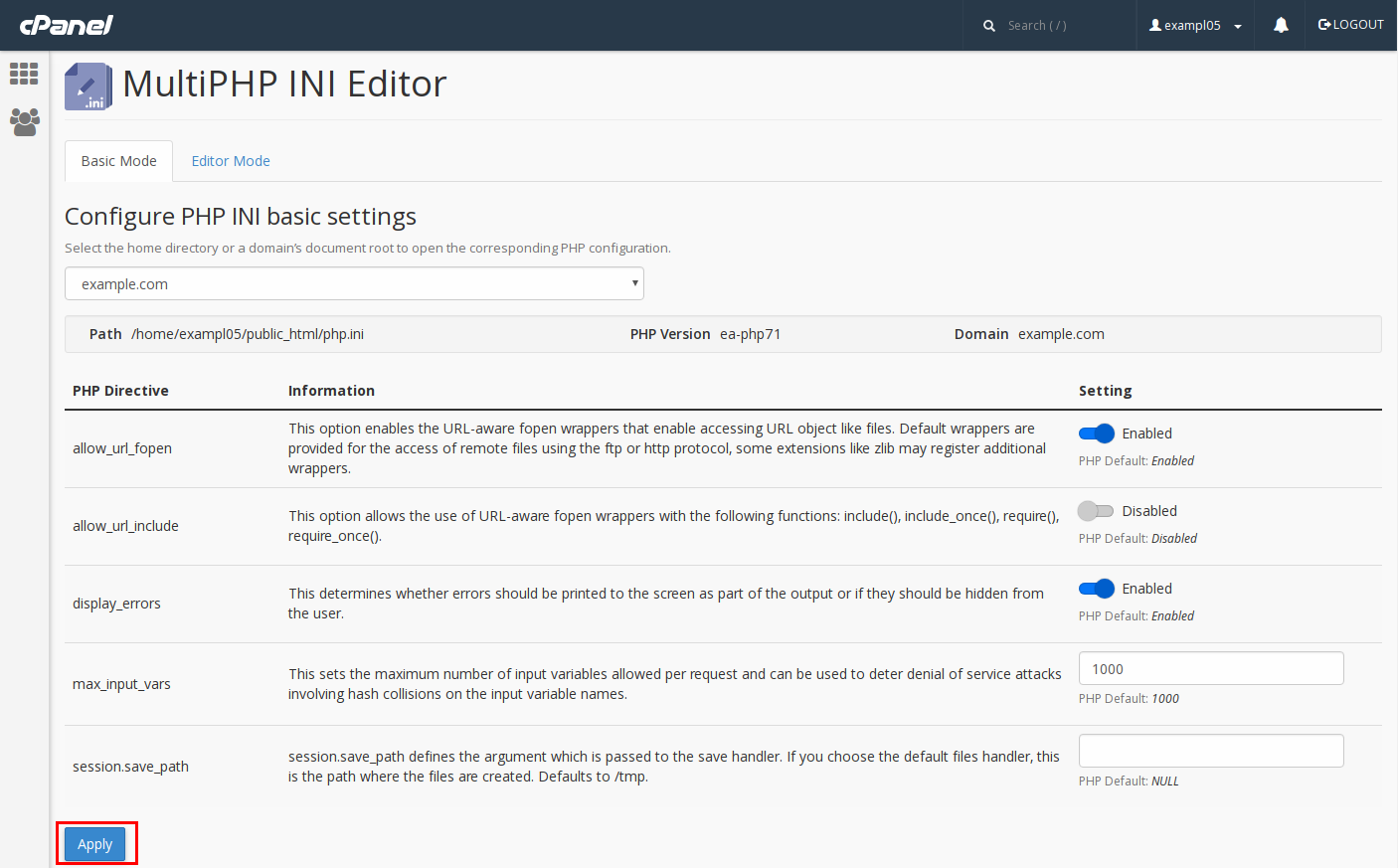
Steps
-
Log in to cPanel
-
Open MultiPHP INI Editor
-
Select your domain
-
Set:
-
display_errors →
On -
display_startup_errors →
On -
log_errors →
On -
error_reporting →
E_ALL
-
-
Click Apply
Result
Errors will immediately show in the browser for that domain.
2️⃣ Enable Display Errors using PHP Selector (CloudLinux)
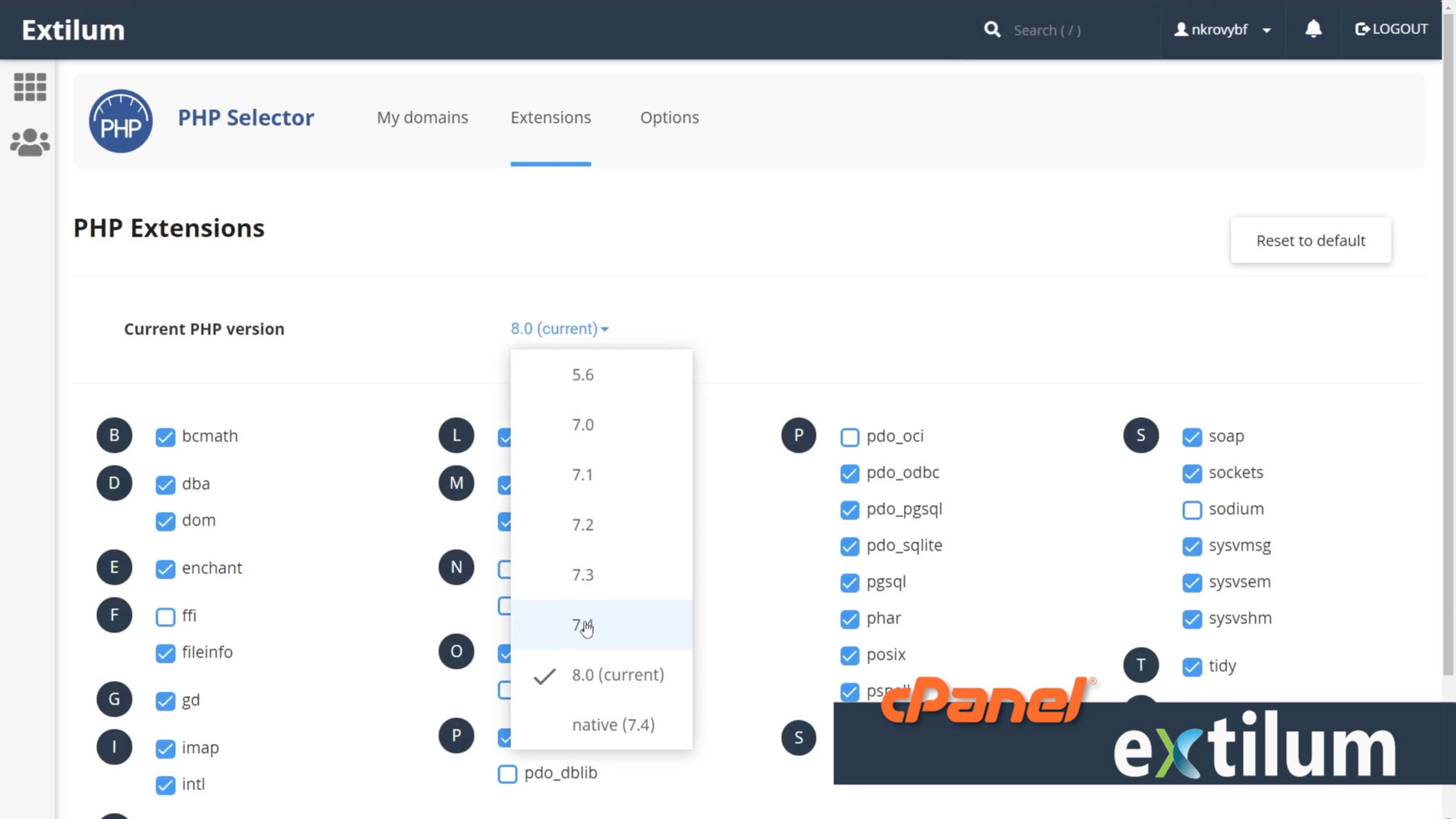
This method works only if your server uses CloudLinux.
Steps
-
Log in to cPanel
-
Open Select PHP Version
-
Click Options
-
Change:
-
display_errors→ On -
display_startup_errors→ On -
error_reporting→ E_ALL
-
-
Save automatically applies
Optional (Extensions tab)
Enable:
-
xdebug(for advanced debugging)